 Ocean School
Ocean School
Underwater learning games for ages 3–5
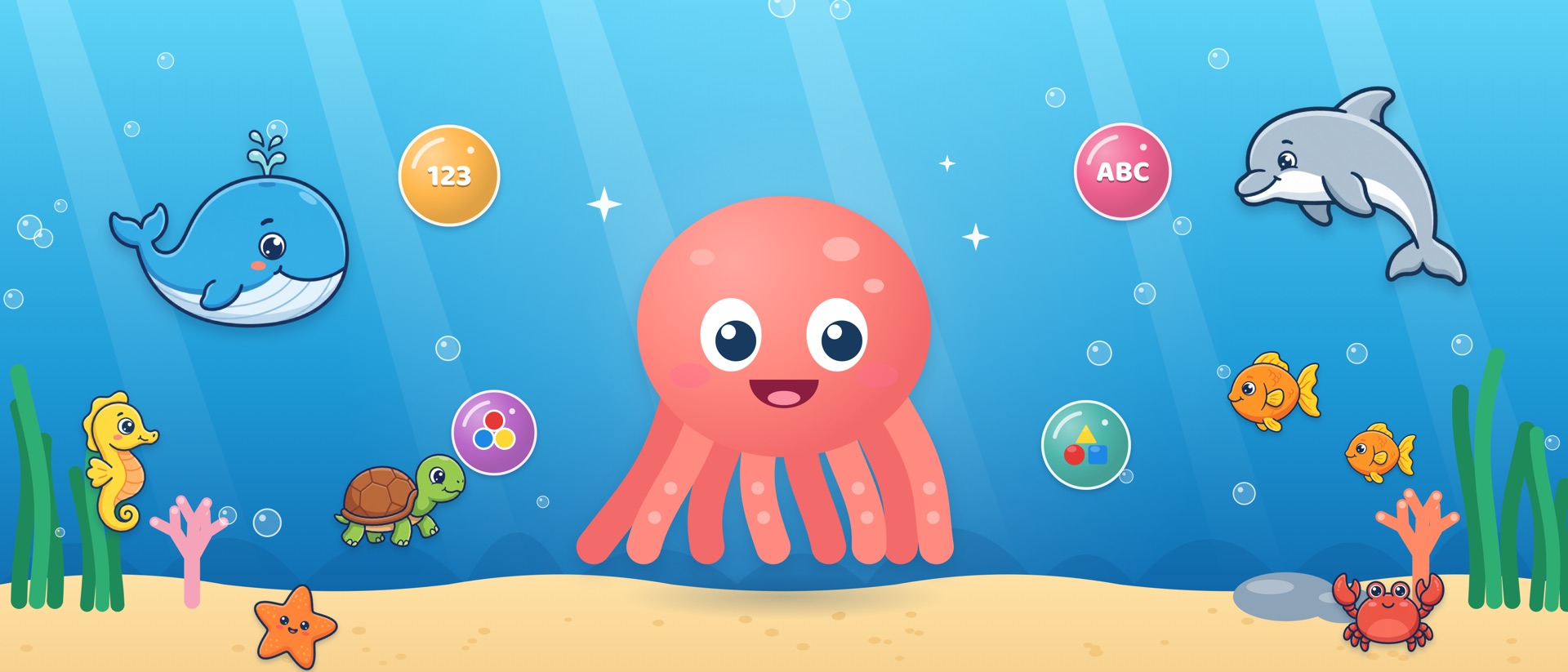
In Ocean School, Pip the cheerful octopus teaches children aged 3–5 numbers, colors, shapes, letters, feelings and a new language in 30 voice-guided games. There are no ads, and no data is collected.
Frequently asked questions
How do I open Settings?
Tap the gear button in the corner of the home screen and answer the addition question. The question is written in words, not digits, so children who can't read yet can't get in.
How do I unlock the other 22 games?
Tap a locked game on the second page, or Full version in Settings. Answer the parent question and complete the purchase. It's a one-time purchase, not a subscription. The first 8 games are free.
I bought the full version but the games are still locked, or I have a new device.
Tap Restore purchases on the Full version screen. Make sure the device is signed in with the Apple Account (or Google account) you used for the purchase.
How do I change the language?
In Settings, choose Türkçe, English, Deutsch or Español under Language. The voice and text switch right away.
Can I turn off the sound or music?
Yes. In Settings, Sound (voice and sound effects) and Music (background song) can be turned on or off separately.
How do I reset stars and progress?
Tap Reset progress in Settings. All stars are removed and every game starts again from level one.
Does the game need an internet connection?
No. The games work offline. A connection is only needed to buy or restore the full version.
How do I get a refund?
Purchases are handled by the store, so refunds are requested there too: reportaproblem.apple.com for the App Store, or your order history in Google Play.
Contact
Have a question, an idea, or found a bug? Write to us. Including your device model and iOS or Android version helps us solve problems faster.